Stop your Mac sleeping during a long Xcode or cargo build
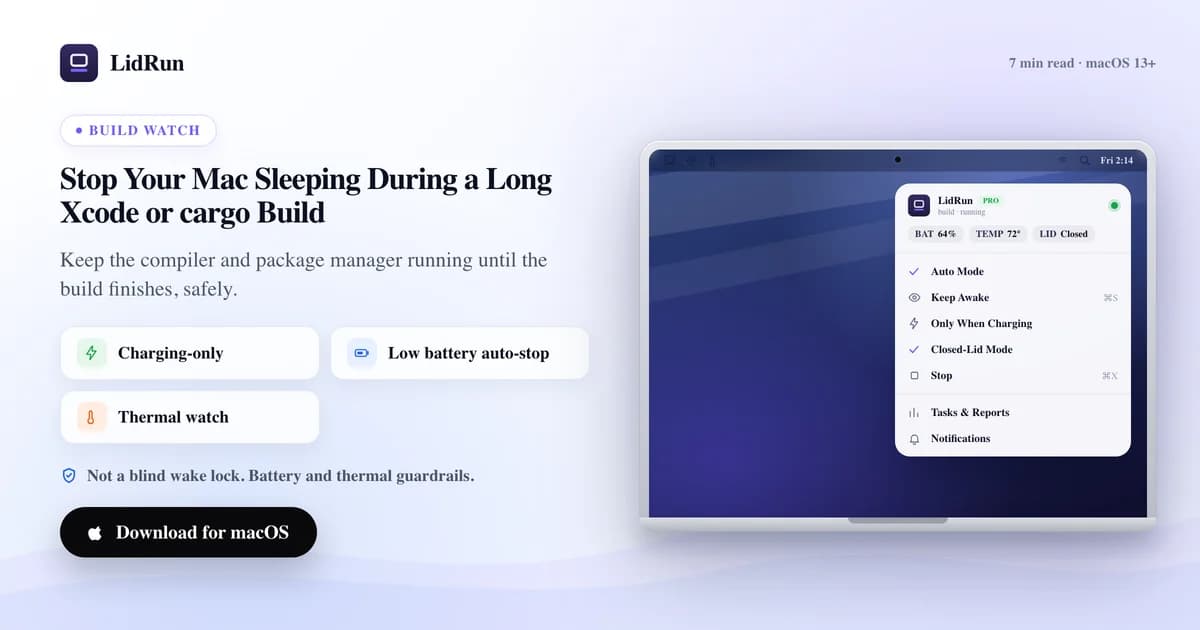
The fast, free fix is caffeinate: run caffeinate -i cargo build --release (swap in your own command) and macOS will not idle-sleep until that process exits, no extra app needed. That one flag solves the interruption but not the safety question, since caffeinate has no idea whether the Mac is overheating or nearly out of battery while it holds the lock. Here is how to stop a Mac sleeping during a build the free way, where that free way runs out of road on a long native build, and the two build-aware ways LidRun keeps the Mac awake automatically, and lets it sleep the moment the build ends or the hardware needs a break.
Why a build dies when you step away
The idle sleep timer does not know what a build is. It watches input and screen activity, not whether clang is halfway through a translation unit. A 40-minute cargo build with no keystrokes looks exactly like an idle machine, so macOS does the responsible thing and sleeps.
When it sleeps mid-build, the work pauses where it stood. Nothing is corrupted, but the compiler is frozen, and any incremental cache that was warming up stops warming. You wake the Mac, the build resumes or restarts, and the wait you thought was nearly over starts again.
It is most annoying on the long, quiet jobs: a full Xcode archive, a fresh node_modules install, a release cargo build with optimizations on. Exactly the builds you most want to start and ignore are the ones the idle timer is most likely to interrupt.
The free fix: wrap the build in caffeinate
Before reaching for any app, try the tool already on the Mac. caffeinate is Apple's own command-line utility for holding power-management assertions, and it can wrap a command directly: caffeinate -i cargo build --release holds an idle-sleep assertion for exactly as long as that process runs, then releases it the instant the process exits. Swap in your own command: caffeinate -i npm run build, caffeinate -i xcodebuild -scheme MyApp -configuration Release build, caffeinate -i make all.
The -i flag is the one that matters here (prevent idle sleep); -d also keeps the display awake if you want to watch the output scroll by, and -w <pid> lets you attach caffeinate to a process that is already running instead of launching it yourself. For a single one-off build on a machine you are sitting at, this is a completely reasonable, zero-install answer, and it is worth knowing on its own merits.
This is genuinely the right first move for a lot of people. The rest of this piece is about where it stops being enough, and what a build-aware, safety-checked setup looks like once it does.
Related guideKeep your Mac awake only while it's actually workingWhere the free fix runs out of road
caffeinate has no idea what state the Mac is in. It holds the same idle-sleep assertion at 8% battery on a hot laptop as it does at 90% on a desk with airflow, because it is not reading either signal, it is a wake lock, not a safety net. Leave a long release build running unattended under caffeinate and there is nothing watching the battery or the thermal state on your behalf.
It is also scoped to the process you wrapped, which is a strength until it is a gap. Close the terminal tab, drop an SSH session, or let the shell job get SIGHUP'd, and the assertion can die with it unless you remembered nohup or disown, and now you are back to unprotected on a build you thought was covered.
The lid-closed version of this problem is a different tool entirely: pmset -a disablesleep 1 is the flag that stops a Mac sleeping with the lid shut (the same flag LidRun's own clamshell mode uses under the hood, always paired with a matching disablesleep 0 when it turns off). Run it by hand for one closed-lid build and forget to flip it back, and every future lid-close on that Mac stops sleeping until you remember, which is a real footgun for what was meant to be a one-off.
Menu-bar tools like Amphetamine, KeepingYouAwake, Lungo, and Caffeine solve the remembering problem with a nicer UI than typing flags. Amphetamine in particular can trigger on a running app rather than needing a manual toggle, and offers a battery-level trigger to end a session, both genuinely useful. What none of them do, as far as their published feature sets go, is pair that with live thermal pressure the way an auto-stop threshold on both battery and heat does. They hold the lock on the schedule or trigger you set, and it is still on you to know when it is time to let go.
Two build-aware ways LidRun keeps it awake
LidRun's underlying promise is simple: agent or build running, stay awake; build done or the Mac unsafe, release and let it sleep. Two ways to get there for a native build.
The first is hands-off. Auto Mode watches for the dev tools you tell it about, by process name, or by command line for interpreters like node and python, and holds the Mac awake while they are actually working. cargo, xcodebuild, swift, swiftc, npm, node, pnpm, yarn, make, cmake, ninja, gradle, mvn, and dotnet are already in the default watch list, nothing to add for a stock toolchain. A process only counts as active when its CPU is above a threshold (5% by default, adjustable), so an idle Terminal does not keep the Mac up, a compiler pegging a core does. A holdoff, 60 seconds by default and adjustable from 10 to 600, keeps the assertion alive past the last busy sample so a brief lull between build phases does not drop the lock.
The second is explicit: wrap the build with lidrun -- <your build command> and LidRun holds a keep-awake assertion for exactly that command's lifetime, then releases it the moment the command exits. The command's own exit code becomes lidrun's exit code, so $? (or an if lidrun -- npm run build; then … in a script) tells you whether the build passed. LidRun does not print a duration on its own, so pipe it through time if you want that: time lidrun -- cargo build --release.
Auto Mode is better when builds come and go all day across different projects; the wrapper is better when you have one specific long command to babysit, or a CI-style script. Both are Pro features, not part of the free tier, the plain Keep Awake toggle (manual start and stop, free forever) already carries the same battery and thermal safety governor described below, it just does not detect the build for you.
The safety governor still applies
Keeping a Mac awake for a long build is the easy part. Doing it without quietly cooking the battery or the chassis is the part worth getting right, and it is why LidRun does not just flip sleep off and walk away, whichever of the two modes above you use.
Battery: an auto-stop threshold, 20% by default and adjustable from 15% to 50%, stops the hold once charge drops below it, the Mac is free to sleep normally from there instead of draining toward empty. Thermal: LidRun tracks thermal pressure from the SoC's own signals, not just the coarse OS-level reading, and on a critical reading the Safety Governor releases the keep-awake hold immediately; if you also have "sleep when overheated" turned on, it can escalate to actually putting the Mac to sleep rather than just releasing the lock. This helps reduce risk, it does not make overheating impossible, airflow and where you set the laptop down are still on you.
Every one of those decisions gets written to the Activity Log with a reason, a battery auto-stop entry names the percent it tripped at, a thermal entry means the Safety Governor backed off, so if a long build got cut short you can see why instead of guessing. That log is the honest trade for not being a blind wake lock.
Setting it up for everyday builds
Auto Mode: click the LidRun menu-bar icon and turn on Auto Mode. For a normal Xcode, npm, or cargo toolchain there is nothing to configure, the tools are already in the default watch list. Broader Apple subtools like clang and swift-frontend run during a lot of unrelated things, so they sit off by default as opt-in chips rather than being auto-watched, turn them on only if you specifically want LidRun reacting to them.
CLI wrapper: install the lidrun command once from the menu (it writes a small wrapper script to /usr/local/bin/lidrun), then run your build through it: lidrun -- cargo build --release, lidrun -- xcodebuild -scheme MyApp build, lidrun -- npm run build. For a chained command, quote the whole thing as one argument, lidrun -- 'npm ci && npm run build', otherwise the shell splits on && before lidrun ever sees it and only the first half is protected. Expect roughly the same short tail either way, Auto Mode rechecks running processes every 10 seconds and holds through the default 60-second holdoff, so the Mac can stay awake for under a minute after the build actually finishes. That is expected behavior, not a bug.
If a build got cut off, open the Activity Log first rather than re-running blind, the entry names whether it was a battery floor or a thermal backoff, and you can raise the battery threshold or improve airflow accordingly. Timer mode (fixed presets from 30 minutes to 8 hours) is a different tool for a different job, useful when you know exactly how long something should run; for a build whose length you do not know in advance, Auto Mode or the wrapper fit better because they end when the work ends, not on a clock you had to guess correctly.
Two habits that matter regardless of mode: run the heaviest jobs, a full clean build, a big LTO pass, on a hard, flat surface with airflow underneath, and stay on AC power if you can, since a laptop on battery still has the auto-stop floor to respect, and mains power removes that question entirely. If your builds run inside containers, the same idle-sleep problem applies there too, the Docker-build case is covered separately since the process LidRun needs to watch is different.
LidRun keeps your work running with the lid closed, with battery and thermal safety built in.
Already have LidRun? Read the setup guide →
Frequently asked
No. With lidrun -- <command> the assertion is released the moment the command exits. In Auto Mode, once no watched process is busy above the CPU threshold (past the holdoff, 60 seconds by default), LidRun lets the Mac sleep again.
Yes. cargo, xcodebuild, swift, swiftc, npm, node, pnpm, yarn, make, cmake, ninja, gradle, mvn, and dotnet are already in the default watch list. A process only counts as active when its CPU is above a threshold, so an idle shell does not keep the Mac awake, a real compile does.
caffeinate does the same core job, hold an idle-sleep assertion for a command's lifetime, for free, and for a single one-off build that is a perfectly reasonable choice. LidRun adds detection (you do not retype the wrapper every time), a battery and thermal auto-stop instead of holding blind, and an Activity Log entry explaining why a session ended.
On a critical thermal reading, the Safety Governor releases the keep-awake hold immediately and logs it; with "sleep when overheated" turned on it can escalate to putting the Mac to sleep. That helps reduce risk, but it cannot guarantee a Mac never overheats, placement and airflow are still your responsibility.
Yes, within the auto-stop threshold you set (20% by default, adjustable from 15% to 50%). When charge drops below that, LidRun ends the session cleanly instead of draining toward zero. For the heaviest builds, staying on AC is still the safer call.
Auto Mode and the CLI wrapper are Pro features. The manual Keep Awake, Timer, and Charging-only modes are free forever and already run the same battery and thermal safety governor, you just start and stop them yourself instead of LidRun detecting the build.