How to keep a Mac from sleeping
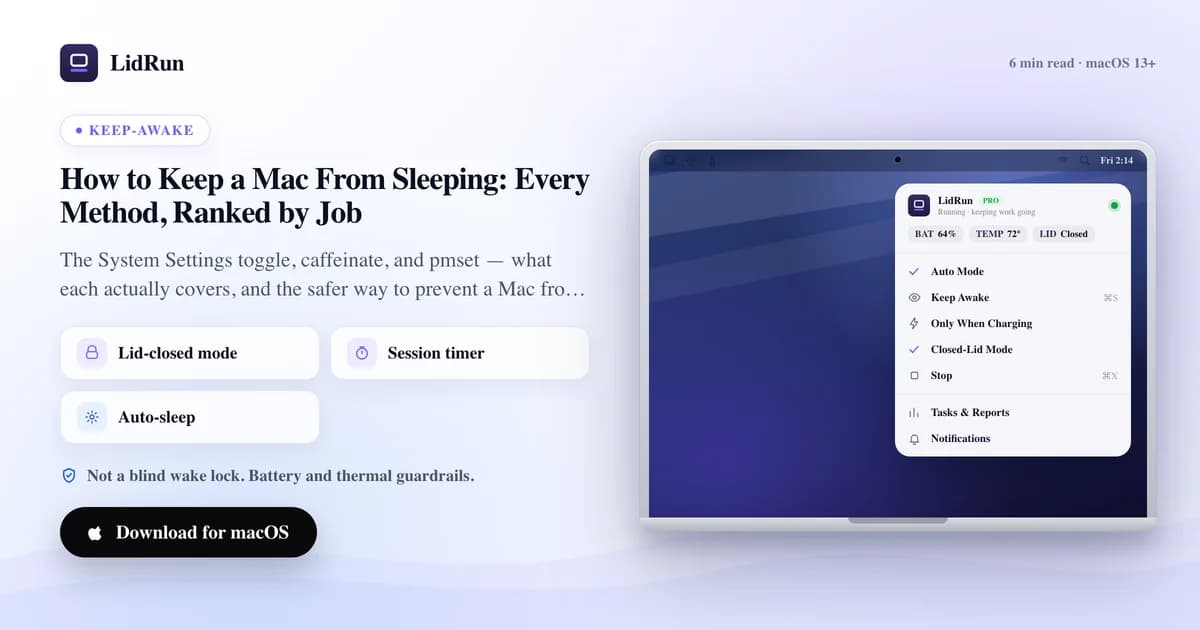
The quickest way to keep a Mac from sleeping is System Settings → Lock Screen (or Battery), where you set the display and system to stay on. That covers idle sleep while the lid is open. What it does not cover is closing the lid, or a long unattended job you want to finish safely - and that is where most people actually get stuck.
First, know which sleep you are fighting
"Sleep" on a Mac is really three separate behaviors, and the fix depends on which one is stopping you.
Display sleep just turns the screen off - the machine keeps working. Idle (system) sleep suspends the whole Mac after a period of no input. Clamshell sleep is the separate, lower-level suspend that fires when you close the lid without an external display attached.
Most guides only solve the first two. If your real goal is to shut the lid and walk away, you are dealing with clamshell sleep, which none of the simple toggles touch.
So pick the method that matches the job, not the first switch you find.
The free built-in ways (and exactly what each covers)
System Settings is the no-install option. On a laptop, open Lock Screen and Battery - turn the display-off timers up and, on power, enable "Prevent automatic sleeping when the display is off." This keeps a Mac from sleeping while it sits idle with the lid open.
The caffeinate command is the terminal option. Run caffeinate -i your-command and the Mac stays awake until that command finishes, then releases on its own - no toggle to remember. It is the cleanest free way to keep a Mac awake for one specific job.
pmset is the deepest lever. sudo pmset disablesleep 1 forces sleep off entirely, including a closed lid - but it is a global override that stays on until you set it back to 0, and forgetting to is exactly how a Mac cooks in a bag.
For a plain "stop the screensaver during a presentation," System Settings is enough and you can stop reading here.
Where the free methods run out
caffeinate holds the Mac awake, but it cannot stop clamshell sleep - close the lid and the job still pauses. That surprises a lot of people running long terminal jobs.
pmset disablesleep does survive a closed lid, but it is blunt: no timer, no battery floor, no thermal awareness. It keeps the Mac awake even at 3% battery, even when the chassis is hot, until you manually turn it back off.
None of the built-ins watch the two things that actually matter when you leave a machine running unattended - how much battery is left, and how hot it is getting. That is the gap the modern case exposes.
Related guideA safer alternative to pmset disablesleepThe safer way to prevent a Mac from sleeping through a real job
The modern reason to keep a Mac from sleeping is not a screensaver - it is a long compile, a model download, a Docker build, or an AI coding agent that needs to finish while you step away.
LidRun is built for that case. It holds the Mac awake at the OS level while the work runs, keeps working through a closed lid, then releases and lets the Mac sleep the moment the job is done - so nothing stays awake overnight by accident.
The difference from pmset is the guardrails. LidRun watches battery charge and thermal state for the whole session and lets the Mac sleep if charge drops past the floor you set or thermal pressure climbs too high. It is not a blind wake lock; safety wins over convenience.
A session timer caps every run from 30 minutes to 8 hours, and a charging-only mode can require mains power before it will hold the lid closed. You can start it from the menu bar or wrap a single command with lidrun -- your-command from the terminal.
It is worth trying the moment you find yourself propping the lid open just so a job will not die - that is the exact problem it removes. LidRun is free forever for the core keep-awake features; closed-lid mode is a Pro feature.
LidRun keeps your work running with the lid closed, with battery and thermal safety built in.
Already have LidRun? Read the setup guide →
Frequently asked
System Settings → Lock Screen and Battery. Turn the display-off timer up and, on power, enable "Prevent automatic sleeping when the display is off." That covers idle sleep with the lid open, with nothing to install.
The built-in caffeinate command cannot do it - closing the lid triggers a separate clamshell sleep. pmset disablesleep can override it globally but has no battery or thermal safety. LidRun keeps the Mac awake with the lid closed and adds a battery floor, thermal guardrails, and a timer.
No. caffeinate blocks idle and display sleep while the lid is open, but a closed lid uses a lower-level clamshell sleep that caffeinate does not reach. You need pmset disablesleep or a tool like LidRun for that.
It can be, on a flat, ventilated surface and ideally on power. The risk is heat and battery drain when a machine runs unattended. Prefer a method with a battery floor, thermal awareness, and a timer over a permanent pmset override.