LidRun vs caffeinate: which keep-awake tool fits your workflow?
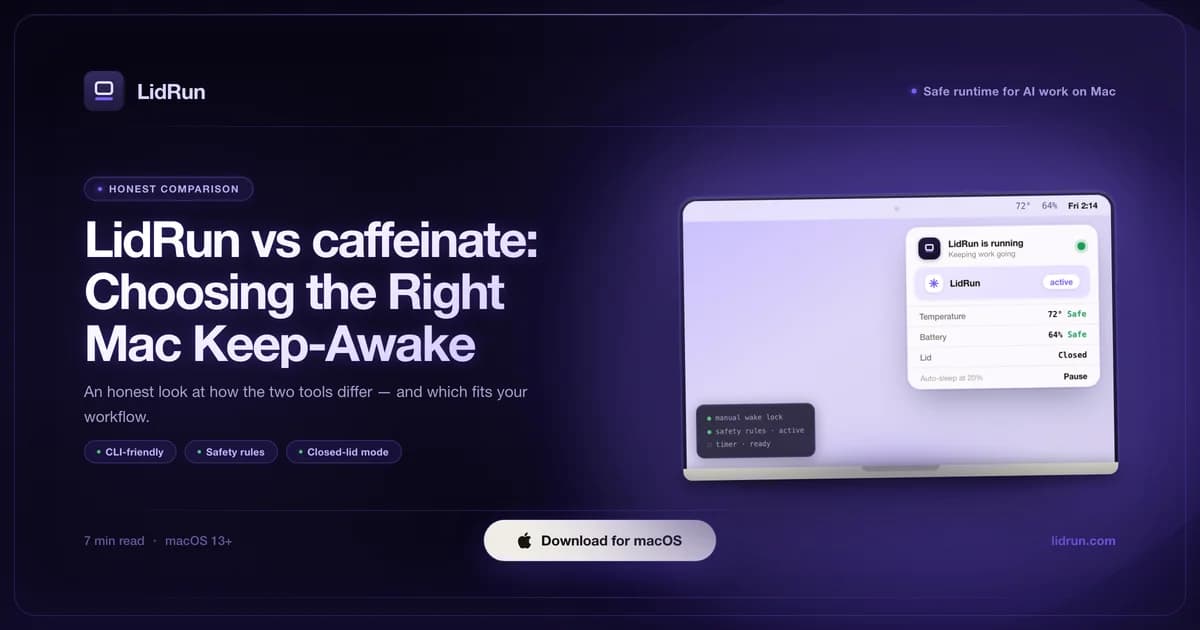
Description: for one task you're sitting there watching, caffeinate is still the right call - it ships with macOS and costs nothing. LidRun vs caffeinate really comes down to what happens when nobody's watching: caffeinate has no battery floor, no thermal watch, and can't stop your Mac from sleeping on a lid close unless you're already running an external display. Below is the honest breakdown of both tools, including where LidRun's own command-line wrapper fits next to caffeinate's, what each option actually costs, and what pmset disablesleep does that caffeinate can't.
What caffeinate does well
caffeinate ships with macOS, needs no install, and works from a single Terminal command. You can hold system sleep (caffeinate -i), display sleep (caffeinate -d), disk sleep (caffeinate -m), or set a timeout (caffeinate -t 3600 holds for one hour). Wrap a specific command and keep-awake lasts exactly as long as that command runs: caffeinate -i make build.
That last pattern - wrapping a known command - is genuinely excellent. You get a keep-awake assertion scoped to exactly one task, no UI or background process to think about, and it costs nothing beyond typing the command. For a build or sync you can describe in a single line, it's hard to beat.
If you want something quick, terminal-native, and zero-config, caffeinate is the right call - there's no reason to install anything for that. LidRun ships an equivalent CLI wrapper of its own, which is worth knowing about even if you never touch the app itself; more on that below.
Where caffeinate hits a wall
caffeinate has no concept of battery percentage. If you caffeinate a long job on battery and walk away, the Mac keeps running until the job finishes or the battery runs out - whichever comes first. For a short task that's fine. For an overnight run, draining to empty is a real possibility caffeinate simply doesn't track.
It doesn't watch thermal state either. A heavy compile or a local model keeps the chip busy and hot; caffeinate has no signal for that and no way to react to it - it just holds the wake assertion regardless of what's happening to the hardware.
The bigger gap is what happens when you close the lid without an external display attached. caffeinate -i creates a standard IOKit idle-sleep assertion - and closing the lid triggers a separate, lower-level clamshell sleep that idle-sleep assertions can't touch, no matter which flags you pass. Caffeinate isn't broken here; it's just answering a different question than the one the lid-close case asks.
The free lever that actually reaches clamshell sleep is sudo pmset -a disablesleep 1 (and sudo pmset -a disablesleep 0 to turn it back off). It works, and it's the same underlying mechanism LidRun's own Closed-Lid mode uses. But run it by hand and you own two real risks: it's a system-wide setting, not scoped to your task, so it affects every app and every future lid close until you flip it back - and if you forget, or the terminal session that set it closes unexpectedly, the Mac simply won't honor a normal lid-close sleep again until someone resets it.
LidRun's own CLI, next to caffeinate
LidRun ships a lidrun command-line tool, and the lidrun -- wrap flag is architecturally the same idea as caffeinate -i: hold an idle-sleep assertion, run the command that follows, release it when that command exits. lidrun -- python train.py --epochs 100 behaves the same way caffeinate -i python train.py --epochs 100 does.
Worth being honest about: on its own, this wrapper is free, doesn't need the LidRun app open, and doesn't need a license - but it also doesn't add anything caffeinate lacks. It's the same idle-sleep assertion, so it has the same scope: no battery floor, no thermal watch, baked into the wrapper itself. Switching from caffeinate -i to lidrun -- for a single command buys you familiarity, not extra safety.
What does change is the rest of the CLI. lidrun status, lidrun autowatch on, lidrun watch, and lidrun timer 3600 talk to the running LidRun app over a local socket, which is where the battery floor, thermal watch, and Auto Mode actually live. So the practical difference isn't the wrap command - it's that lidrun gives you one tool for both "hold awake for this one command" and "let the app watch everything and apply the safety thresholds," instead of switching between caffeinate and a separate app.
What each option actually costs
caffeinate costs nothing - it's part of macOS, no account, no install, no decision to make.
LidRun's Keep Awake, Timer, and Charging-only run modes are free forever too, with no trial period and no session limit. Auto Mode (workload auto-detection), Run & Watch a Command, Closed-Lid mode, the full graduated battery/thermal safety settings, the Activity Log, and Smart Rules are paid - a one-time purchase, not a subscription, starting at $9 for one Mac and scaling up to $59 for a 10-seat team plan. Closed-Lid mode also gives you a limited number of free runs to try it before it asks for a license.
Setup is where the real trade shows up. caffeinate needs nothing. LidRun installs from a signed, notarized DMG, and the lidrun CLI wrapper is a separate one-click step afterward - either to ~/.local/bin/lidrun with no password prompt, or /usr/local/bin/lidrun with a single admin prompt if you want it available system-wide. That's real setup time caffeinate doesn't ask for, and it buys a background app, not just a command.
That background app is also the honest cost of the extra safety: caffeinate is a process that exists only while it's holding the assertion, then it's gone - zero footprint once your command returns. LidRun runs as a menu-bar app the whole time, because the battery/thermal governor and Auto Mode's process watcher (checking running tasks every 10 seconds by default) both need something alive to keep watching after a command has already finished. If you want zero standing footprint and don't need anything watched continuously, that's a real point in caffeinate's favor.
If you'd rather have a menu-bar toggle without any of that governor logic, apps like Amphetamine, KeepingYouAwake, Lungo, and Caffeine cover that space too - see the dedicated comparison for how they stack up against LidRun specifically.
Where LidRun's safety layer lives
The battery floor is two separate mechanisms, not one number. An adjustable auto-stop (default 20%, adjustable between 15% and 50%) releases the keep-awake hold when you cross it. Underneath that sits a separate emergency force-sleep floor at 4% that isn't adjustable below that and runs regardless of your other settings - a last-resort auto-sleep meant to happen before the Mac would hard-shutdown rather than sleep cleanly.
Thermal watch combines the SoC's real temperature and throttle percentage where available, with Apple's coarse thermal-state signal as a fallback. It warns when things get hot, and on Closed-Lid mode it automatically drops out of clamshell at the critical level so the Mac can throttle and sleep the normal way instead of staying pinned awake inside a closed case.
Closed-Lid mode itself reaches the same pmset -a disablesleep lever caffeinate can't touch - the difference is who's responsible for turning it back off. LidRun pairs the 1 with a matching 0 on stop, on quit, and again on the next launch if it was left on from a crash, so you're not the one who has to remember.
Auto Mode arms and disarms based on whether Claude Code, Cursor, Docker, Ollama, or similar tools are actually running and doing work, instead of needing you to know the exact command up front the way caffeinate's wrap pattern does. The underlying design is simple: while your agent or build is genuinely running, stay awake; the moment it finishes, or a safety threshold gets crossed, release the hold and let the Mac sleep.
Using both, or choosing one
The honest split: caffeinate (or lidrun --, which is functionally the same thing) for quick, specific, terminal-native tasks you're watching. LidRun's app-level modes for long, unattended, lid-closed, or AI/dev workload runs where the battery floor and thermal watch actually matter.
They're not mutually exclusive. If you already wrap a specific build with caffeinate -i or lidrun --, you might still want a closed-lid workflow for AI/dev work for the overnight Claude Code session that keeps running after you've gone to bed.
The deciding question is how long the run is, whether you're watching it, and whether the lid stays open. Short, watched, and lid-open: caffeinate wins on cost and zero setup. Long, unattended, or lid-closed without a monitor: the battery floor, thermal watch, and Closed-Lid mode tip the balance toward LidRun - and its own CLI means you don't have to give up the terminal to get there.
LidRun keeps your work running with the lid closed, with battery and thermal safety built in.
Already have LidRun? Read the setup guide →
Frequently asked
Yes. caffeinate is a macOS system tool that creates a standard IOKit power assertion. The main risk is running it indefinitely on battery without any floor - nothing in caffeinate itself tracks battery percentage, so a long unattended job can drain the Mac flat.
When the task is short, you know the command up front, you're watching the run, and battery drain isn't a concern. The command-wrap pattern (caffeinate -i, followed by the command) is excellent for a specific build or sync.
Yes. The lidrun -- wrap flag wraps a command exactly the way caffeinate -i does - hold an idle-sleep assertion, run the command, release it when it exits. It's free and doesn't need the LidRun app open or a license; on its own it has the same scope as caffeinate, with no battery floor or thermal watch built in. Daemon-backed commands like lidrun status, lidrun autowatch, and lidrun timer talk to the running app and are how you reach Auto Mode and the safety layer from the terminal.
The core modes - Keep Awake, Timer, and Charging-only run - are free forever, with no trial period and no session limit. Auto Mode, Run & Watch a Command, Closed-Lid mode, and the full graduated safety settings are paid, one-time (not a subscription), starting at $9 for one Mac. Closed-Lid mode also includes a limited number of free runs before it asks for a license.
When the run is long and unattended, when you need to close the lid without an external display, or when you want automatic workload detection, a battery floor, a thermal watch, or an Activity Log - none of which caffeinate tracks.
For most keep-awake needs, yes, with a battery floor, thermal watch, and Closed-Lid mode caffeinate doesn't have. caffeinate's command-wrap one-liner is still handy for a quick specific task, and lidrun -- now covers that exact case too if you'd rather stay in one tool.